Using Client-Side Feasibility to Find Paid Extension Counter Opportunities
A public recap of how ExtScope combines paid signals, recent demand, review pain, and client-side feasibility to screen Chrome extension opportunities for indie builders.
Today's automated research continued to focus on paid Chrome extensions, but with a stricter filter than “has growth and monetization”: the core workflow should be mostly implementable inside the browser.
This public version explains the method only. It does not publish candidate names, extension IDs, competitor links, source paths, ranking details, or concrete rebuild plans.
Why Not Every Paid Extension Is a Good Counter
A common indie-builder mistake is assuming any paid extension can be challenged with a free alternative. In practice, many paid extensions get their value from server-side systems:
- AI inference and generation
- Cloud sync and team permissions
- Data extraction and proxy resources
- Accounts and historical data
- Large-scale parsing or anti-bot maintenance
Those markets are not impossible, but they are expensive to counter for free. The better early opportunities are often smaller: users are already paying for a utility, but the main action can run locally.
Research Screenshot
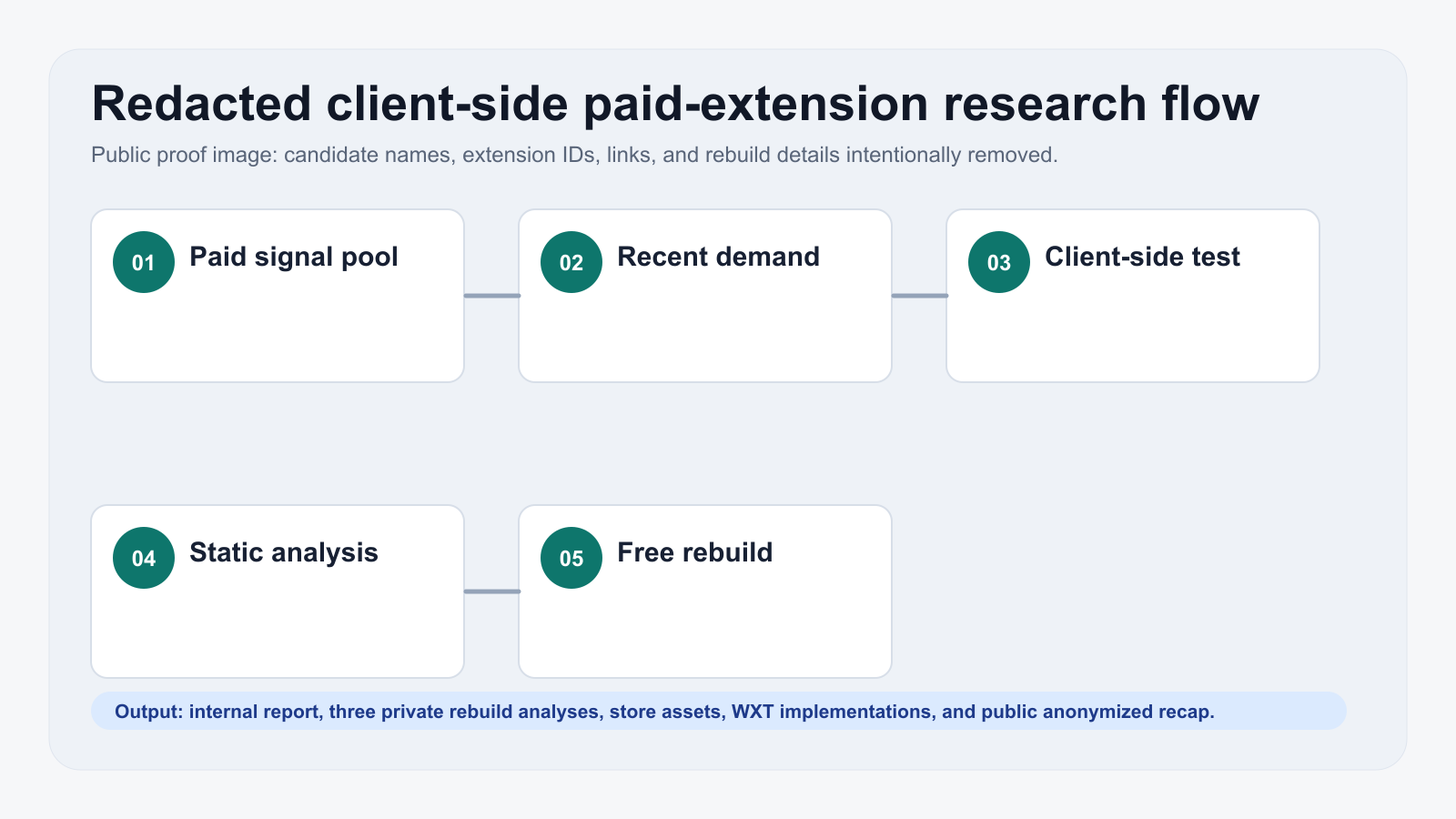
The screenshot below comes from the automated research workflow. The public version only keeps a redacted proof image, not the candidate results.
How We Screened
The internal candidate pool started with:
- Mid-sized user scale, enough to prove demand without assuming a winner-takes-all market
- Clear or high-confidence paid signals
- Recent reviews, growth, or user complaints
- Negative reviews pointing to price, broken core behavior, paywalls, ads, or workflow friction
- Permission boundaries that can be explained to a normal user
Then we applied a technical pass:
- Download the extension package for static analysis
- Inspect permissions, content scripts, background scripts, and payment signals
- Decide whether the main workflow depends on a backend
- Exclude high-risk categories such as account automation, proxies, download bypassing, exams, and high-trust security tools
A More Practical Heuristic
The most useful pattern from today's run was this: a free alternative does not need to be broader at first; it needs to make the user's most common action more trustworthy.
Many review complaints were very direct:
- “Why is this simple action behind a subscription?”
- “The basic feature broke after an update.”
- “I do not want to log in for a local task.”
- “Payment prompts interrupt the workflow.”
- “I only need a stable small tool.”
That creates room for indie builders: narrow the scope, reduce permissions, keep processing local by default, and make one action predictable.
Product Takeaway
The internal run selected three directions for deeper validation and rebuild work. They shared a few traits:
- User demand repeatedly appeared in store reviews
- Paid signals suggested real commercial intent
- Core functionality could rely mostly on browser APIs, local storage, context menus, page scripts, or DOM overlays
- A free version could create a clear trust contrast
- Advanced paid features could be added later without weakening the free baseline
The goal is not to clone a large product. A better indie entry is often a focused utility that is low-permission, account-free, ad-free, and easy to explain.
The full candidate list, competitor links, source analysis, and concrete rebuild plans remain internal.